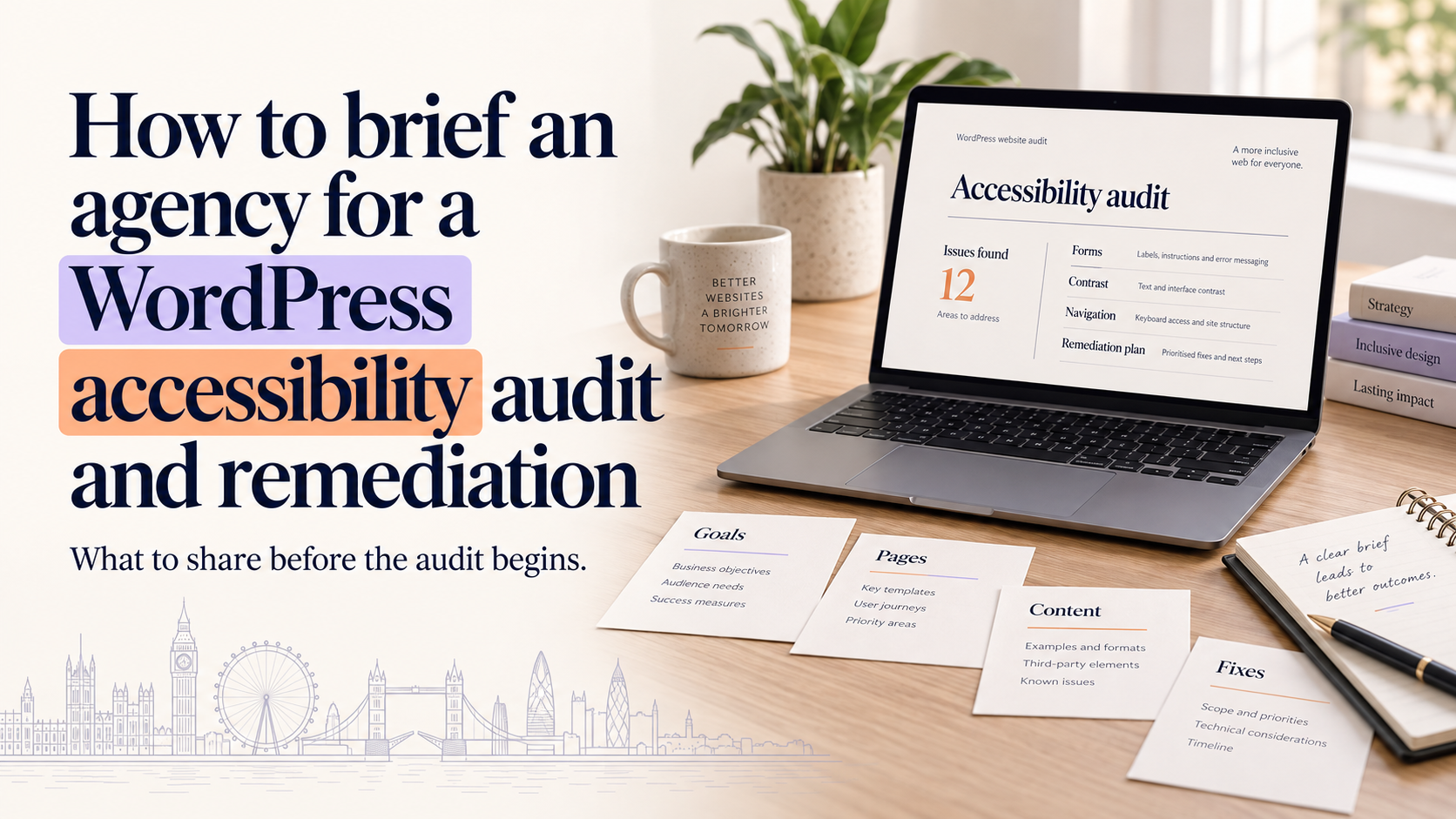
If you need to brief agency wordpress accessibility audit uk services, this guide explains what to include so you receive comparable quotes and practical outcomes. It covers why accessibility matters for small businesses in the UK, the types of assessments available, a technical scope checklist, remediation process and a copyable brief template you can adapt and send to agencies.
Why a WordPress accessibility audit matters for UK small businesses
Business benefits: reach, reputation and usability
Making your WordPress site more accessible improves usability for all visitors, increases potential reach and strengthens brand reputation by demonstrating inclusivity. Accessibility issues also create friction that can reduce enquiries and sales; addressing them often improves clarity, navigation and conversion for everyone.
Inclusive brand decisions—from accessible colour contrast to clear typographic scale—also support broader brand work such as brand identity services and custom logo design, ensuring visual assets remain legible and usable across devices and assistive technologies.
Legal and regulatory context (summary and signposts)
UK businesses should be aware of legal expectations around accessibility. The Equality Act 2010 expects reasonable adjustments for disabled customers; some public-sector organisations must follow specific accessibility regulations. When briefing agencies, ask them to reference recognised guidance and to explain the legal implications relevant to your organisation. For regulatory advice, seek suitable legal guidance.
How accessibility fits into your WordPress roadmap
Accessibility is ongoing. An audit and remediation project should sit within your wider WordPress roadmap: include accessibility in design, theme choice and content workflows. If you are planning a redesign, consider accessibility early so fixes do not become costly reworks.
Types of accessibility assessments and deliverables to request
Automated scans vs manual expert testing vs assistive-technology testing
Different testing methods identify different issues. Automated scans (using tools) quickly identify common problems but miss many issues. Manual expert testing finds structural and interaction problems an automated tool cannot. Assistive-technology testing involves users or testers using screen readers, keyboard navigation and other tools to validate real-world experience.
For small WordPress sites, a combined approach is recommended: automated scan to cover broad issues, manual testing by an accessibility specialist, and selective assistive-technology checks for key user journeys (forms, checkout, account areas).
Deliverables to expect
- Executive summary outlining conformance level and high-level risks.
- Detailed report listing issues mapped to WCAG success criteria, severity and priority.
- Annotated screenshots or video clips showing problems and reproduction steps.
- Remediation plan with estimated effort per item and recommended fixes.
- WCAG conformance statement or guidance on claims the organisation can reasonably make.
Example: remit for a basic vs comprehensive WordPress audit
Basic remit: automated scan plus manual review of core templates (home, about, contact, up to 10 pages), keyboard navigation test and a prioritised issues list.
Comprehensive remit: automated scan, full manual testing across templates and content types, assistive-technology testing for key journeys, accessibility regression checks on staging, and a remediation plan with code-level recommendations.
Technical scope: what to include in a WordPress accessibility brief
Site access and staging environment details
Specify access you can provide: staging site URL, admin credentials for a test account, or temporary read-only accounts. If you do not have staging, state whether you can create one or if the agency should propose a safe testing approach. Clarify content freeze windows if testing on production is unavoidable.
Themes, page builders and plugins to be tested
List your active theme and any page builders (for example, specify if you use a popular builder). Include major plugins that affect front-end behaviour (forms, sliders, e-commerce). This helps agencies estimate developer effort and compatibility. If you want to explore broader WordPress changes, speak to the agency about their WordPress web design services for compatibility and remediation planning: WordPress web design services.
Pages and templates in scope
Define the templates and pages to include: home, landing pages, product pages, blog posts, forms, account areas and checkout flows. For online retailers, make sure product and checkout pages are explicitly covered and link to relevant e-commerce guidance: e-commerce web design.
Assistive-technology scenarios and browser coverage
Specify assistive technologies to test (screen readers such as NVDA/VoiceOver, keyboard-only navigation) and browser/device coverage for your audience. Ask agencies to state their testing environment and how they replicate mobile and desktop usage.
Accessibility remediation: process, roles and timelines
Prioritisation: critical vs high vs low issues
Ask agencies to classify issues by impact: critical (blocks tasks), high (significant barrier), medium and low (cosmetic or minor). Prioritisation helps you plan phased remediation and budget allocation.
Developer involvement and code-level fixes
Remediation may require HTML structure changes, ARIA adjustments, CSS fixes or plugin replacements. Clarify who will implement code changes: the agency, your internal developer, or a third-party. If you expect the agency to deliver code, request access to their development approach, pull-request workflow and testing procedures.
Typical remediation milestones and time estimates
Timelines depend on scope and complexity. A small site audit might take a week with remediation spread over a few weeks; a more complex site with custom templates may require phased sprints. Ask agencies for a clear schedule with milestones: audit delivery, remediation sprints, staging verification and final acceptance testing.
Practical brief template and example checklist (copyable)
Use this template to request comparable proposals. Paste and adapt into an email or RFP document.
Project summary and objectives (example wording)
We are requesting proposals to perform a WordPress accessibility audit and remediation for [your business name]. Objective: identify accessibility issues affecting user journeys, remediate critical and high-priority issues to improve usability and produce documentation to maintain accessibility going forward.
Scope checklist (pages, functionality, plugins)
- Staging site URL: [URL] and admin/test credentials.
- Templates in scope: home, about, contact, blog post, product page, checkout, account pages.
- Key plugins: list major plugins (forms, sliders, galleries, e-commerce).
- Page builder: state which builder is used.
- Assistive-technology scenarios: keyboard-only navigation, NVDA/VoiceOver spot checks on key journeys.
Requested deliverables and formats
- Audit report with issues mapped to WCAG success criteria.
- Annotated screenshots and remediation guidance (preferably as a spreadsheet or ticket list).
- Estimated hours and cost per remediation item.
- Staging re-test report and final conformance statement.
Budget range, procurement questions and timescales (how to ask)
Provide an indicative budget range if possible and request fixed-fee audit costs plus estimated hourly rates for remediation. Ask for a proposed timeline with milestones and payment terms. Request references or case studies demonstrating WordPress accessibility work and a description of testing methods.
For a non-technical quick checklist you can use internally, see our website accessibility checklist for UK small businesses.
How to evaluate agency proposals and compare quotes
What a good proposal should include
- Clear scope and assumptions.
- Testing methodology (automated tools, manual testing, assistive-technology checks).
- Deliverables, timelines and acceptance criteria.
- Transparent pricing: audit fixed fee and remediation hourly rates or fixed phases.
Questions to ask about testing methods and credentials
Ask which tools they use and how they validate issues manually. Request to see examples of previous WordPress accessibility work and check their familiarity with your theme and page builder. Our guide on how to choose a design agency for your small business (UK guide) can help assess fit and procurement questions.
Red flags
Be cautious of guarantees of full WCAG conformity without clear scope, vague scopes that omit assistive-technology testing, or one-size-fits-all pricing that ignores theme or plugin complexity.
Working with an agency during remediation and handover
Acceptance criteria and sign-off process
Agree acceptance criteria tied to the remediation plan and schedule re-tests on staging. Define sign-off steps: remediation applied to staging, client verification, and production deployment windows.
Training content editors and maintaining accessibility
Request training or written guidance so content editors can maintain accessible content (headings, alt text, link text, accessible forms). Small changes by editors can reintroduce issues; documentation reduces that risk.
Agreeing a follow-up audit and ongoing support
Consider a follow-up audit after a content update or quarterly checks. Discuss support retainers for urgent fixes or new feature work to keep accessibility consistent over time.
Costs, procurement models and common cost drivers
Costs vary with scope, custom development and the quality of the existing site. Common drivers: number of templates, custom components, complex dynamic content, e-commerce checkout flows and use of inaccessible third-party plugins. Typical commercial models include a fixed-fee audit plus hourly remediation, or a phased fixed-price audit and remediation package.
Practical next steps and resources
Short checklist: what to prepare before contacting agencies
- List of templates and pages in scope.
- Staging access or confirmation you can create staging.
- List of active themes, page builders and critical plugins.
- Key user journeys to prioritise (forms, checkout, sign-up).
- Indicative budget and desired timeframe.
Useful further reading and tools
Review internal priorities and prepare the brief template above. For WordPress-specific considerations and local examples see our WordPress web design in Manchester: a practical guide for small businesses.
How to request a free consultation with an agency
If you’d like help preparing a brief or discussing options, request a free consultation with Logo Metic by contacting our WordPress web design services (contact for consultation). We can review your scope, suggest a testing approach and provide a clear proposal.
FAQ
What information should I include in a brief to get accurate quotes for a WordPress accessibility audit?
Include staging access, a list of templates and pages, active theme and plugins, key user journeys, and whether you want assistive-technology testing. State desired deliverables and any budget or timeline constraints.
How much of my WordPress site needs testing during an accessibility audit?
Test core templates and the highest-traffic or conversion pages. For small sites this might be 10–20 pages; for larger sites sample templates, content types and critical flows such as checkout and forms.
What is the difference between an automated accessibility scan and manual testing?
Automated scans find detectable code issues quickly but miss interaction and semantic problems. Manual testing by an expert identifies structural, usability and assistive-technology issues that tools cannot flag.
How long does remediation typically take for a small WordPress site?
Times vary. A small site audit can be completed within a week, with remediation taking a few days to several weeks depending on complexity and developer availability. Ask agencies for a timeline with milestones.
Can a design agency handle both the audit and code-level remediation?
Many agencies offer both audit and remediation, but confirm they have developer capacity and experience with your theme and page builder. Alternatively, they can provide a remediation plan for your in-house team or third-party developers.
What should I ask for to ensure accessibility work is maintainable after the project?
Request editor training, written accessibility guidelines, and a re-test plan. Agree on acceptance criteria and consider a support retainer or periodic audits to maintain standards.
Request a free consultation with Logo Metic — if you want help preparing a brief or receiving a tailored proposal, contact us via our WordPress web design services (contact for consultation).