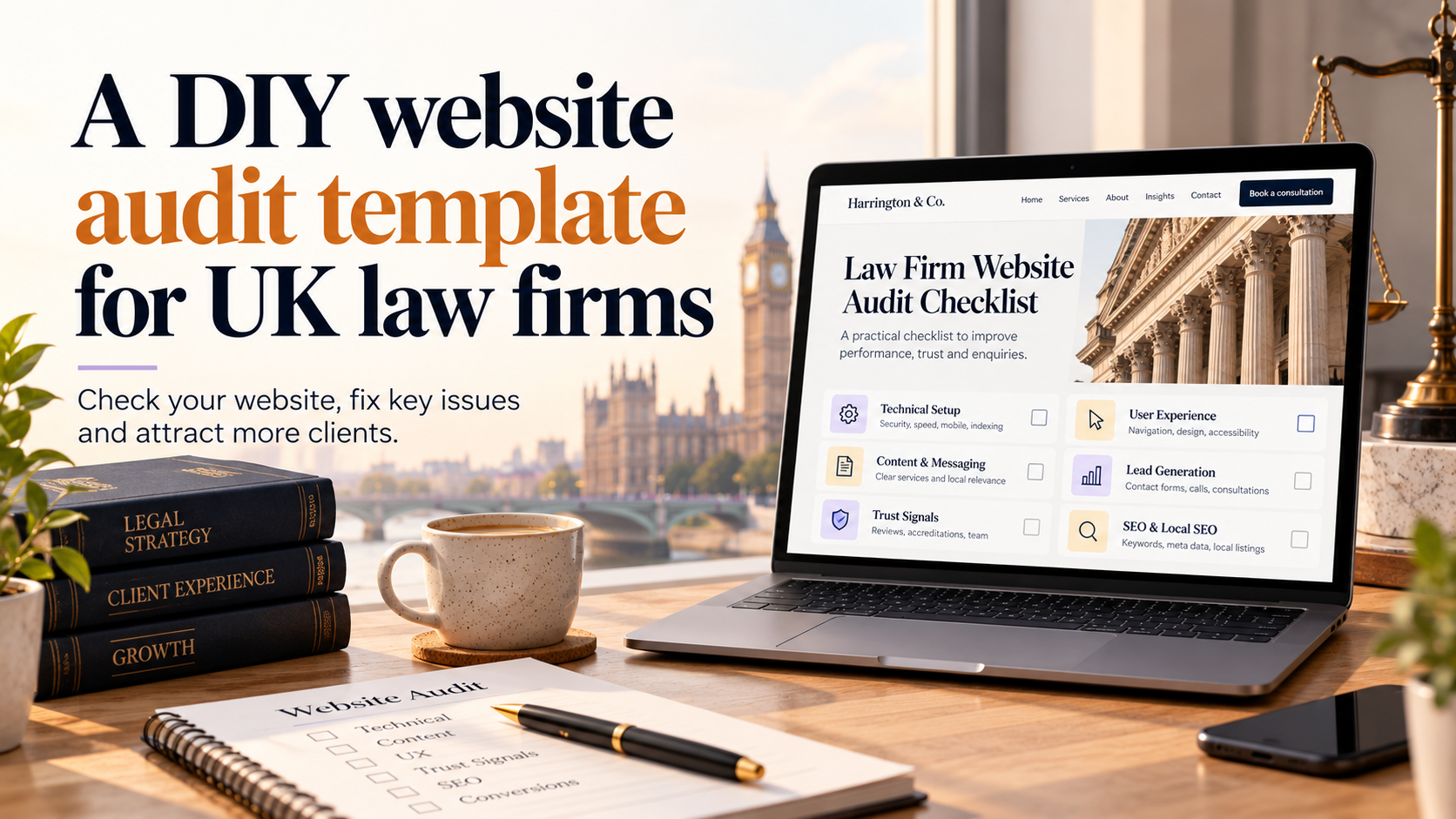
This law firm website audit template uk is designed for small and medium UK solicitors’ practices who want to evaluate their website before commissioning a redesign. Use this DIY audit to check usability, solicitor-specific trust signals, SRA and GDPR basics, local search presence and technical issues. The downloadable checklist includes annotated screenshots and a scoring matrix so you can present clear priorities to any agency.
Why audit your law firm website before hiring an agency
Running a short in-house audit gives you a realistic brief and helps avoid scope creep. It shows agencies where to focus, reduces unnecessary costs and lets you compare quotes on a like-for-like basis.
What this DIY audit will and won’t do
- Will do: identify obvious UX blockers, missing trust signals, local-search gaps and straightforward technical issues you can fix or list for an agency.
- Won’t do: replace legal advice on compliance, a full security penetration test or deep SEO research an agency might run as part of a proposal.
Key outcomes
- Prioritised fixes (high/medium/low) you can action internally.
- A short, evidence-led brief to send to agencies for accurate quotes.
- Clear acceptance criteria for any redesign or maintenance contract.
How the audit saves time and avoids scope creep
By documenting screenshots and scores you reduce ambiguity in proposals. Agencies can cost specific fixes instead of guessing, which keeps timelines and budgets tighter.
How to use this law firm website audit template uk
Follow these practical steps to run the audit efficiently and produce a useful report for agency conversations.
Scope and roles: who should run the audit in your firm
- Owner or practice manager – overall sign-off and client care input.
- Senior fee-earner – checks practice-area accuracy and client messaging.
- Admin/staff – runs contact forms and client intake flows.
- IT or trusted supplier – performs basic technical checks.
Suggested tools (free and low-cost)
- Google PageSpeed Insights / Lighthouse for performance and accessibility signals.
- Google Mobile-Friendly Test for responsive checks.
- SSL checkers (free) for certificate issues.
- Browser developer tools for mixed-content and console errors.
- Screenshot tool (built-in or free extensions) for annotated evidence.
- Simple form testing by submitting sample enquiries to check downstream processes.
If your firm sells legal products or digital services, consider ecommerce implications during the audit and whether product pages or booking systems need review. For those items, refer to guidance on discussing an ecommerce project with an agency: Discuss your ecommerce store project and for firms using Shopify consider Discuss a Shopify store project.
Scoring system and prioritisation
- Use a simple score: High (fix now), Medium (plan within quarter), Low (monitor).
- Record screenshots, page URLs and short notes. Each item should have a suggested owner and approx. time to fix.
- Include a final priority list of the top 5 changes to discuss with any agency.
How to compile findings before contacting an agency
Export screenshots and assemble a one-page summary: objectives, top issues, desired outcomes and your budget or timeline expectations. This produces faster, more comparable proposals.
UX and conversion checklist for solicitors’ websites
These checks focus on turning visitors into enquiries while staying compliant with professional expectations.
Homepage clarity: practice areas, value proposition and clear next steps
- Can a new visitor tell what you do within 5 seconds? State your main practice areas clearly.
- Include one clear call to action (Call, Book a consultation, or Contact) above the fold.
- Show geographic coverage and any specialisms.
For help structuring homepage messaging for solicitors see our framework on the subject: Homepage messaging framework for solicitors.
Navigation and service pages: findability and content hierarchy
- Service pages should answer common client questions and include an obvious next step.
- Check breadcrumbs, service URLs and search functionality on-site.
Contact and client intake forms: location, mandatory fields and user flow
- Place contact options on every service page. Test forms, email routing and auto-replies.
- Avoid asking for unnecessary sensitive data on initial contact forms; note the lawful basis for data in your records.
- Track the number of steps in your intake flow — fewer steps generally increase completions.
Mobile experience and responsiveness
- Test core tasks on a phone: find a practice area, view a lawyer bio, submit a contact form.
- Run a responsive check; if issues exist, request a responsive review: Request a responsive website review.
Accessibility basics to check quickly
- Check visual contrast for headings and buttons.
- Try tabbing through pages to ensure keyboard navigation.
- Provide alt text for key images and descriptive link text for screen readers.
Trust signals and solicitor-specific compliance checks
These items affect credibility and may be required by professional rules. Treat this as a checklist, and seek legal or regulatory guidance for anything uncertain.
Minimum firm information
- Display firm name, registered address and contact details prominently.
- Check your entry against SRA expectations for transparency and confirm this information remains current.
Professional credentials and specialist accreditations
- List qualifications and accreditations; link to verifying bodies where appropriate.
- Avoid embellishment; ensure you can evidence specialist claims.
Client testimonials and case studies
- Use anonymised case studies or obtain explicit permission for named testimonials. Record consent in writing.
Complaints process and client care information
- Include a clear complaints process and client care information in an obvious place.
Privacy, cookie and data-processing notices
Check that privacy notices explain what data you collect and the lawful basis. For detailed ICO guidance consult an appropriate adviser before making compliance changes.
Technical, security and local-search checks
SSL, mixed content and basic security checks
- Ensure the site uses HTTPS and that there are no mixed-content warnings when you load pages.
- Check CMS and plugin versions and plan updates as needed.
Site speed indicators and quick improvements
- Run PageSpeed Insights. Common quick wins: optimise images, enable compression and use browser caching.
Google Business Profile, local citations and NAP consistency
- Confirm your Google Business Profile is claimed and accurate. Consistent name, address and phone (NAP) across directories helps local trust.
Structured data basics to consider
Consider basic schema for LocalBusiness or LegalService to help search engines understand your practice. Note any implementation should be validated by the agency or developer you hire.
Content & authority review for solicitors
Practice-area pages
- Each page should address common client questions, expected outcomes and next steps.
- Include clear, appropriate CTAs and consider adding short FAQs to improve relevance.
Lawyer bios and credentials
- Include role, qualifications, experience and contact method. Keep bios current and factual.
Fees and pricing transparency
- Where possible, outline typical pricing or charging methods to manage expectations; if you cannot publish fees, explain why and how costs are estimated.
Blog and resources
- Check that guidance content is accurate and regularly reviewed. Our guide on essential features for law firm sites may help prioritise content work: Website design for law firms in the UK.
- If branding is a concern when assessing trust signals, consider a logo review: Request a custom logo consultation.
Annotated screenshots and scoring matrix (examples)
The downloadable template uses annotated screenshots so you can show agencies exactly where problems appear. Each screenshot should be accompanied by one-line notes and a score.
Example annotated homepage screenshot with callouts
Call out clarity of headline, CTA prominence, contact details and any regulatory information that is missing.
Sample scoring matrix and pass/fail thresholds
- High: must fix before redesign or within first sprint.
- Medium: scheduled improvements after launch or in month 2–3.
- Low: monitor or optional enhancements.
How to attach screenshots and notes for an agency briefing
Supply zipped images with a CSV or spreadsheet that lists page URL, issue, score and suggested owner. This speeds up discovery work in agency proposals.
Discussion checklist to use with web agencies
Use these questions to compare proposals objectively.
Project scope, CMS and ongoing maintenance
- Which CMS will you use and who owns the content after launch?
- What ongoing maintenance and updates are included and at what cost?
- If you need a B2B-focused site, request a tailored approach: Request a B2B website consultation.
Data protection, backups and security responsibilities
- Confirm backup frequency, data handling and who is responsible for security patches.
Deliverables: sitemap, content handover and training
- Ask for a clear sitemap, content spreadsheet and at least one hour of CMS training as part of the package.
Timing, milestones and acceptance criteria
- Define milestones, testing periods and what constitutes project acceptance.
Pricing structure and what’s included/excluded
- Request a clear breakdown of design, development, revisions and ongoing costs.
Next steps: using the audit results and requesting help
How to turn audit priorities into a short agency brief
- Summarise objectives, evidence (screenshots), top 5 priorities and your budget range.
- Include desired timelines and any regulatory requirements highlighted during the audit.
Downloadable audit template: contents and how to use it
The template contains the scoring matrix, example annotated screenshots and a one-page brief template. Use it to standardise responses from agencies.
When to hire an agency vs fixing things in-house
- Fix in-house: small content edits, minor image optimisation, contact form routing.
- Hire an agency: CMS migrations, major UX redesigns, security hardening or when you need professional copy and regulatory review.
When you’re ready to discuss the results, Request a WordPress website consultation with us and we’ll review your audit and advise on next steps: Request a WordPress website consultation.
FAQ
How long should a DIY law firm website audit take using this template?
A focused audit by two people can take 2–4 hours. A fuller review across content, technical and compliance items may take a couple of days depending on site size.
Which solicitor-specific compliance items should I check on my website?
Basic checks include firm details (name, address), client care or complaints information, accurate credentials and privacy notices for forms. For regulatory certainty consult the SRA or appropriate legal adviser.
Will this audit template replace the need for a web agency?
No. The template helps you prepare a better brief and identify quick wins. Agencies provide technical implementations, deep SEO and full compliance checks you may need for larger projects.
How do I score and prioritise the issues the audit finds?
Use High / Medium / Low based on user impact and regulatory risk. High items are immediate blockers or compliance gaps; medium are important but schedulable; low are enhancements.
Can I use the template if my site is built on WordPress?
Yes. The template is CMS-agnostic and works well for WordPress sites. If you need specialised help we offer WordPress services and can advise on a rebuild: Request a WordPress website consultation.
Note: this guide is practical and non-exhaustive. For regulatory, legal or privacy matters consult suitably qualified advisers.
Ready to turn your audit into a practical brief? Request a free consultation with Logo Metic to review your findings and discuss next steps: support@logometic.co.uk / +44 7883 180004.